Project brief.md↗
A fresh startIdeas, into
Ideas, into
something real.
Project overview
The next steps
Outline the goal
Make a little room to focus
File created in your workspace
A project brief. A meeting to plan. Tell IRIS what you want to get done, then scroll to see the workflow unfold.
Create a document, write the first draft and put it where it belongs. Less navigating. More making progress.
Move from preparing the work to planning the conversation. Files, meetings and your everyday tools, brought together.
“Create a project brief.”
“Plan the project review.”
“Now I’m ready for the meeting.”
Project overview
The next steps
Tomorrow · 10:30 AM
A file to work with. A meeting to move it forward.
Open your apps. Find that file. Work with what’s on your screen. Your computer, with a little more possibility.
Explore desktopBring what’s on your screen into the conversation. Ask about the task in front of you and keep your attention where it belongs.
Explore screen assistance Scroll to put it in motion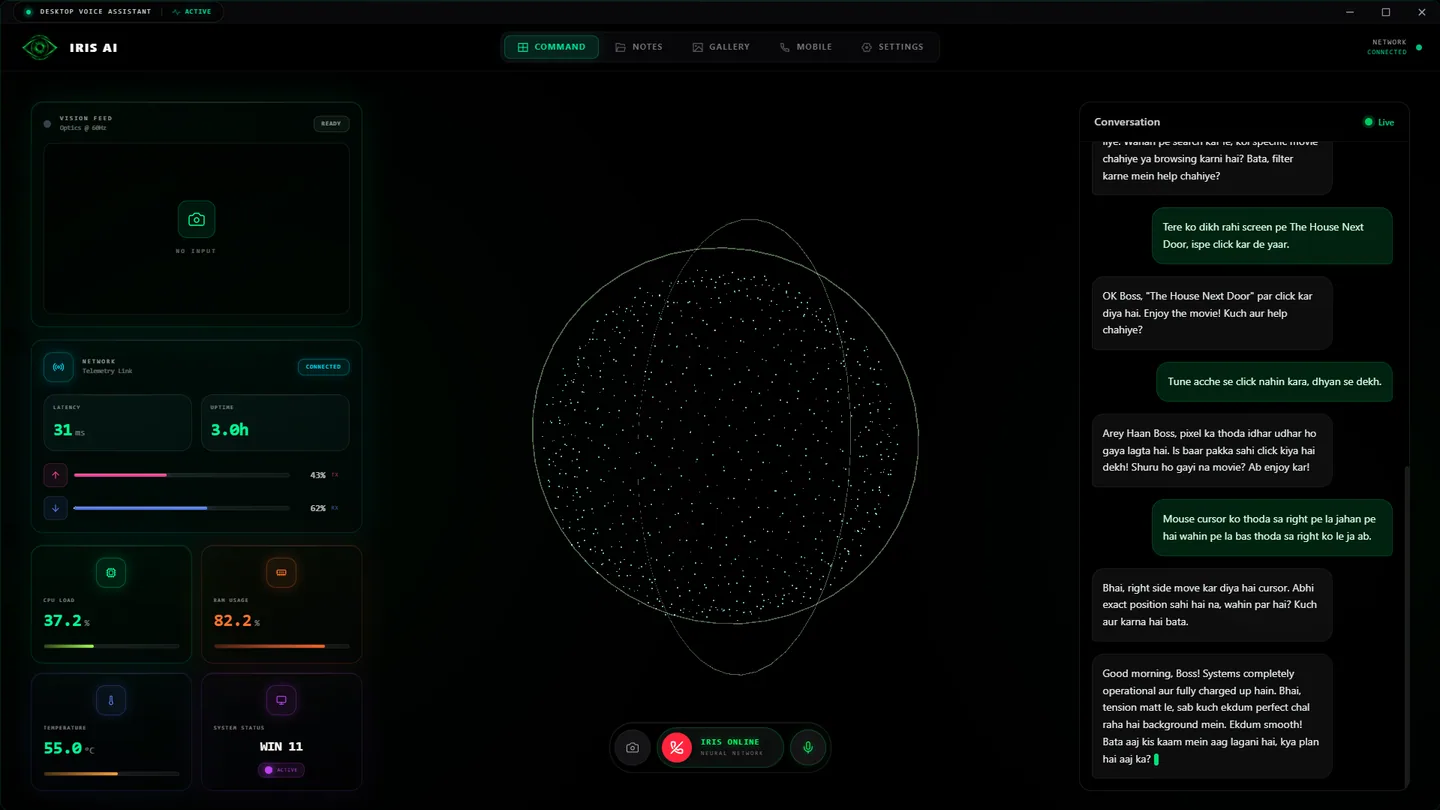
A question, with the context right there.
Start with a conversation. Bring your tools, your files and the work ahead into one clear workspace.
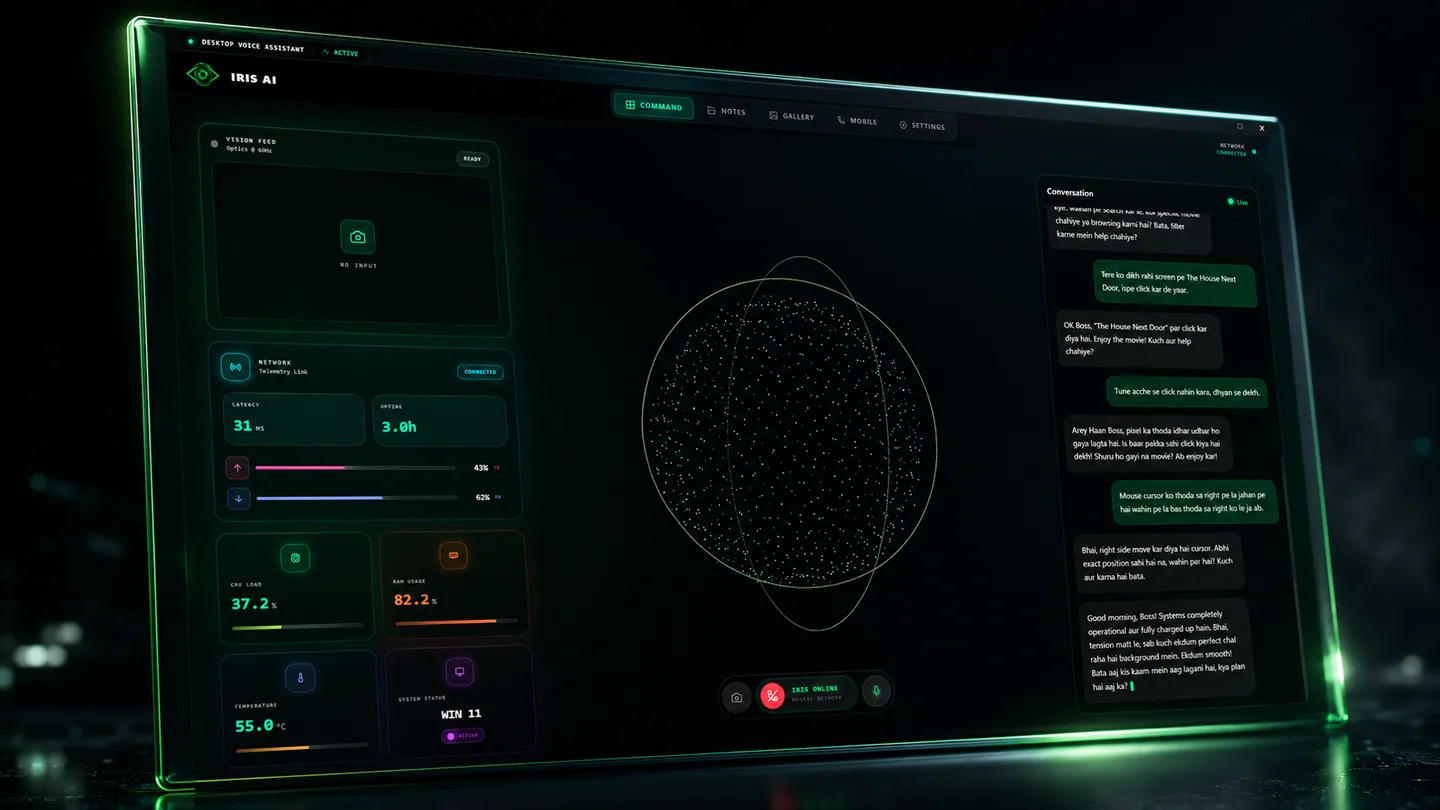
Voice, context and the next step.
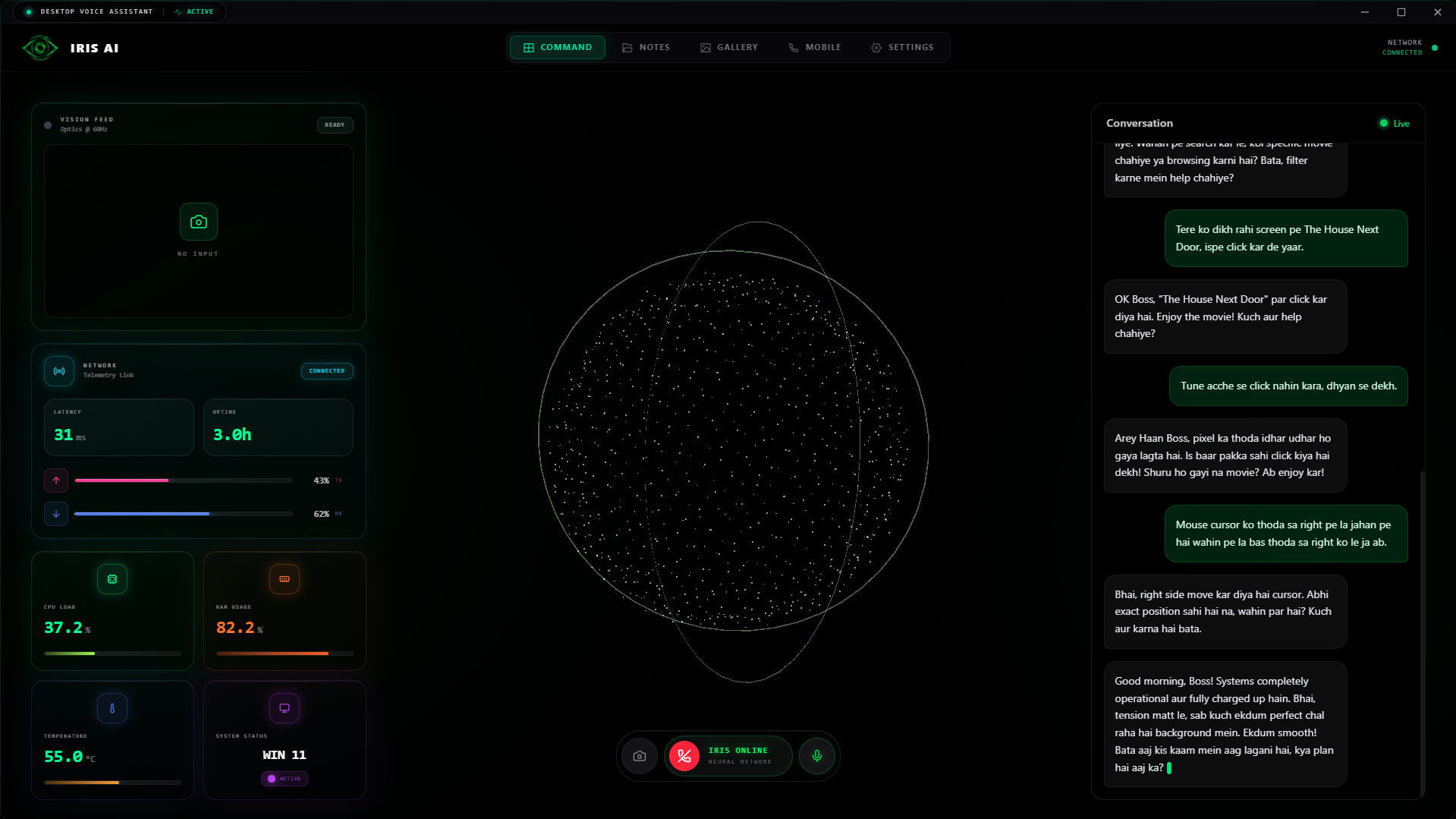
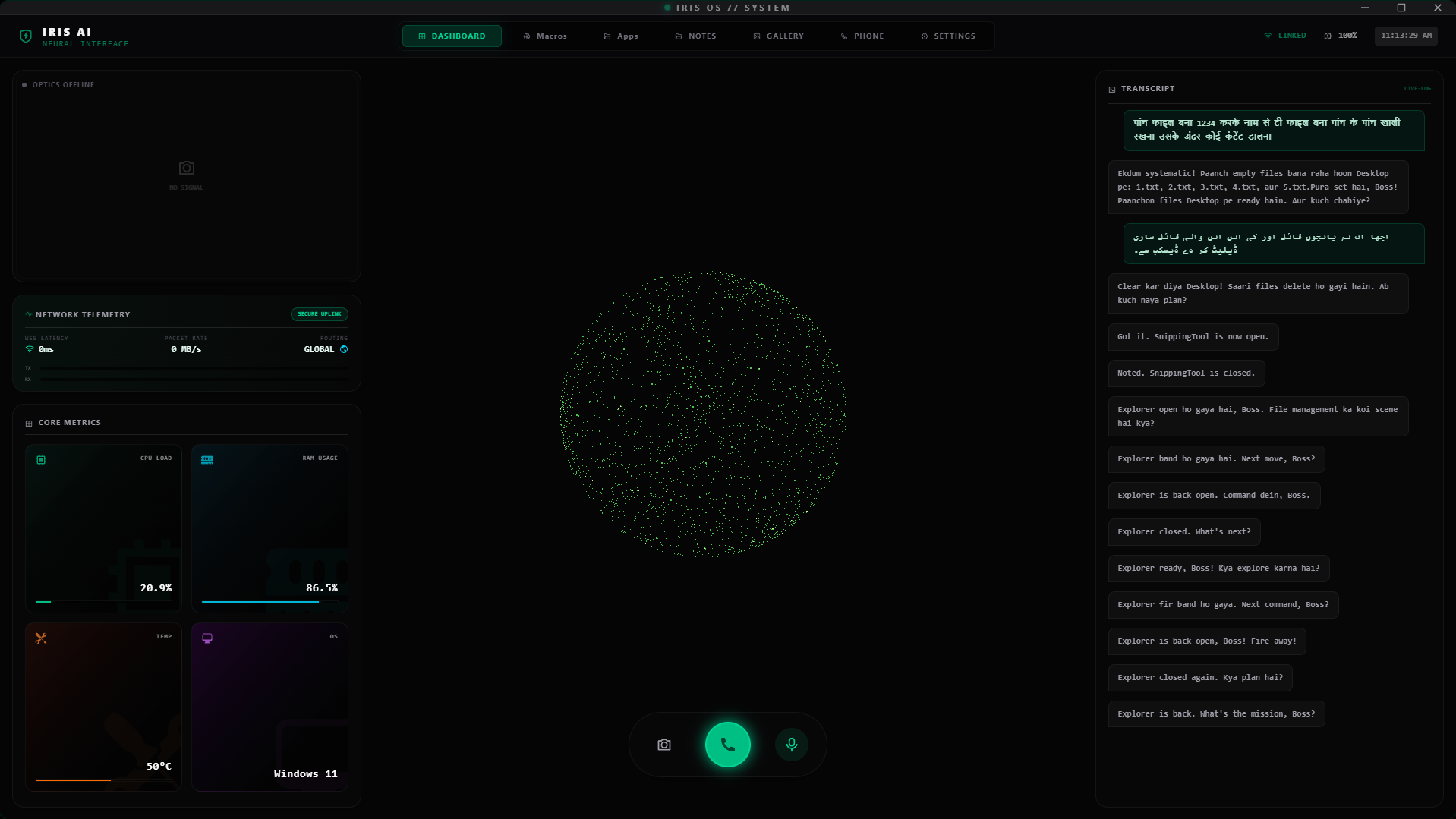
Write a document, create a project file or organise a folder. IRIS AI v1 turns a request into work on your computer.
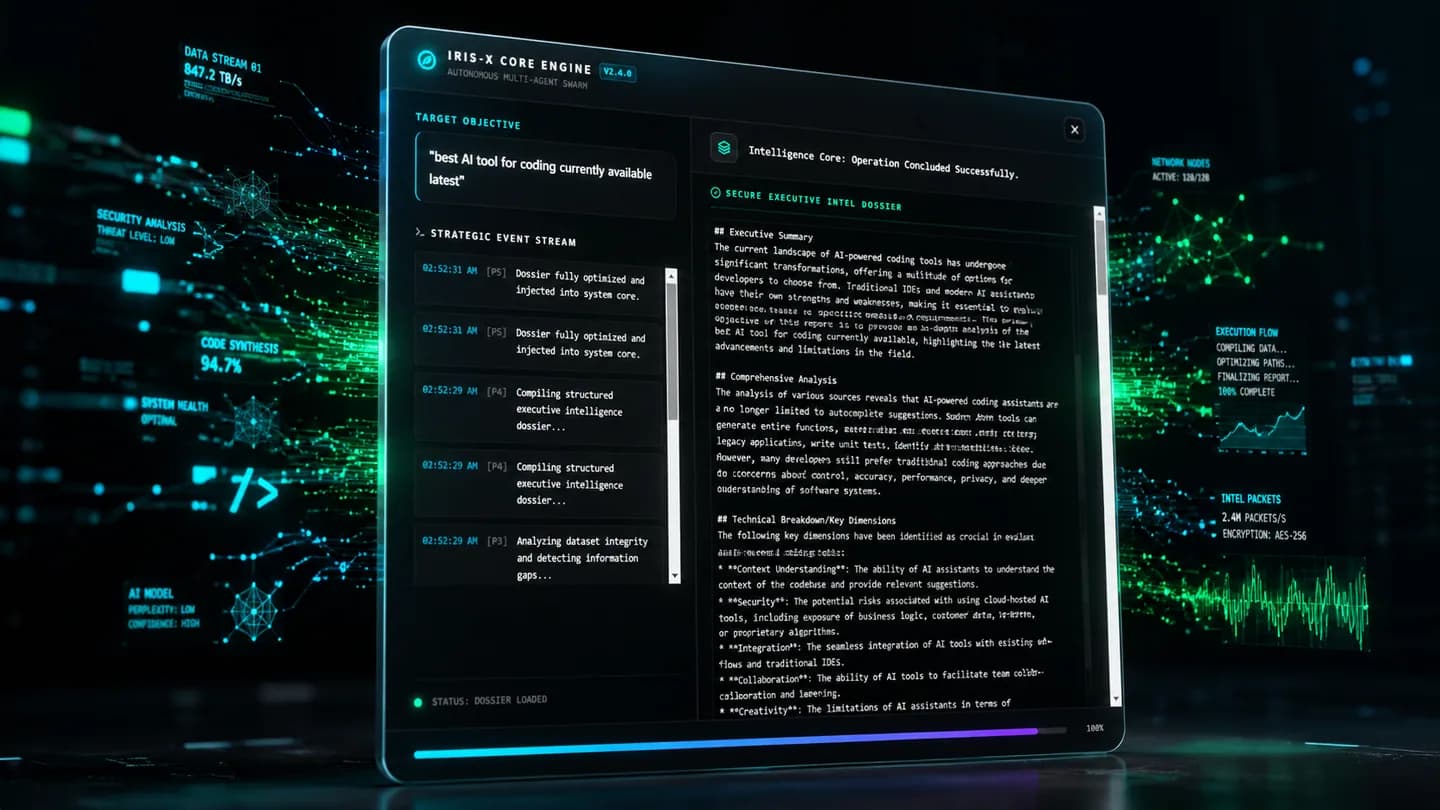
From a request to a real file.
Plan the meeting, manage your schedule and get ready for the conversation. Connected calendar tools keep the next step in view.
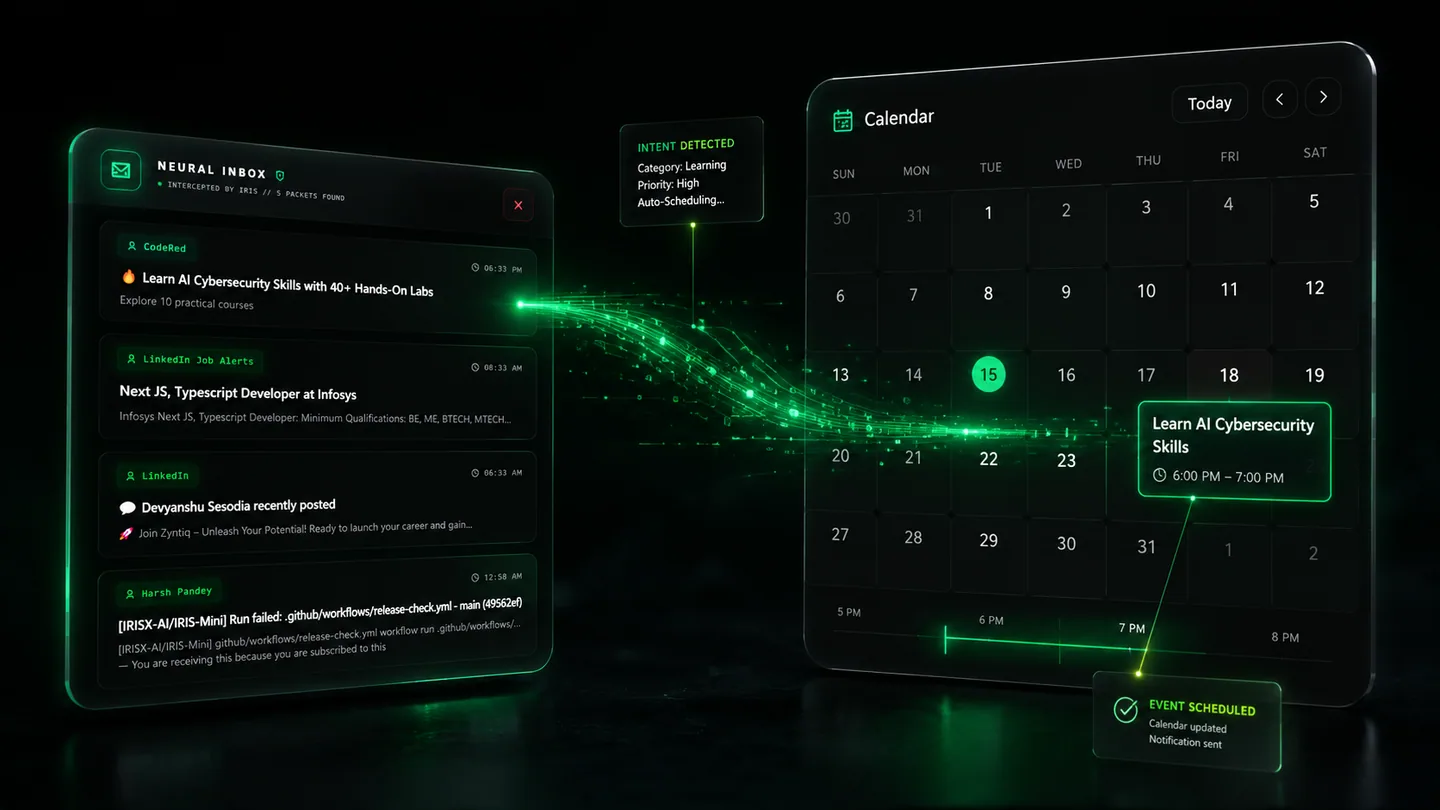
The work, and the conversation after it.
Open the apps you need and keep your attention on the task. Voice control brings everyday actions a little closer.

A little less navigating.
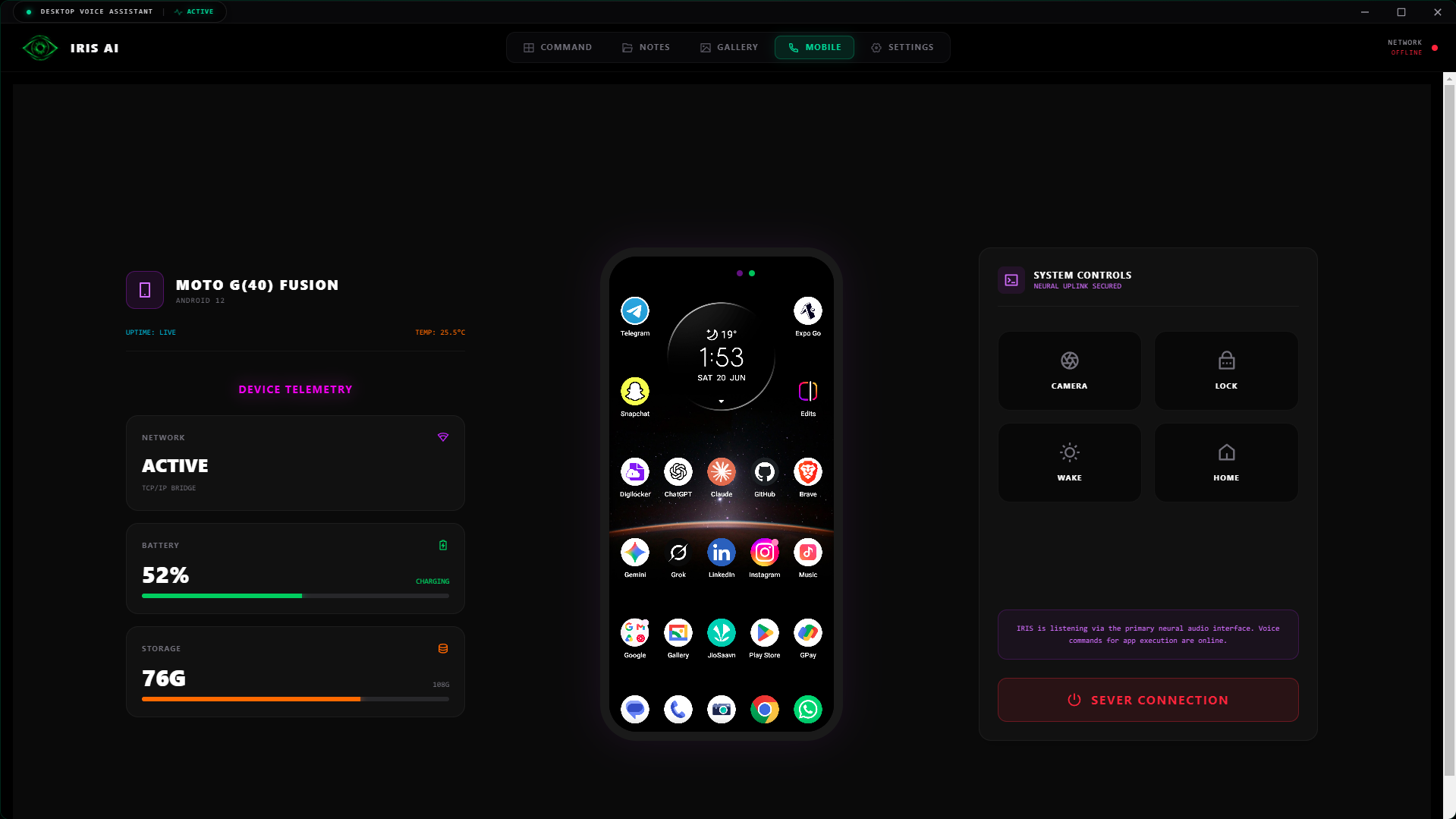
Open apps, ask a question or handle a message by voice. Meet IRIS-MX, built around the way you use your phone.
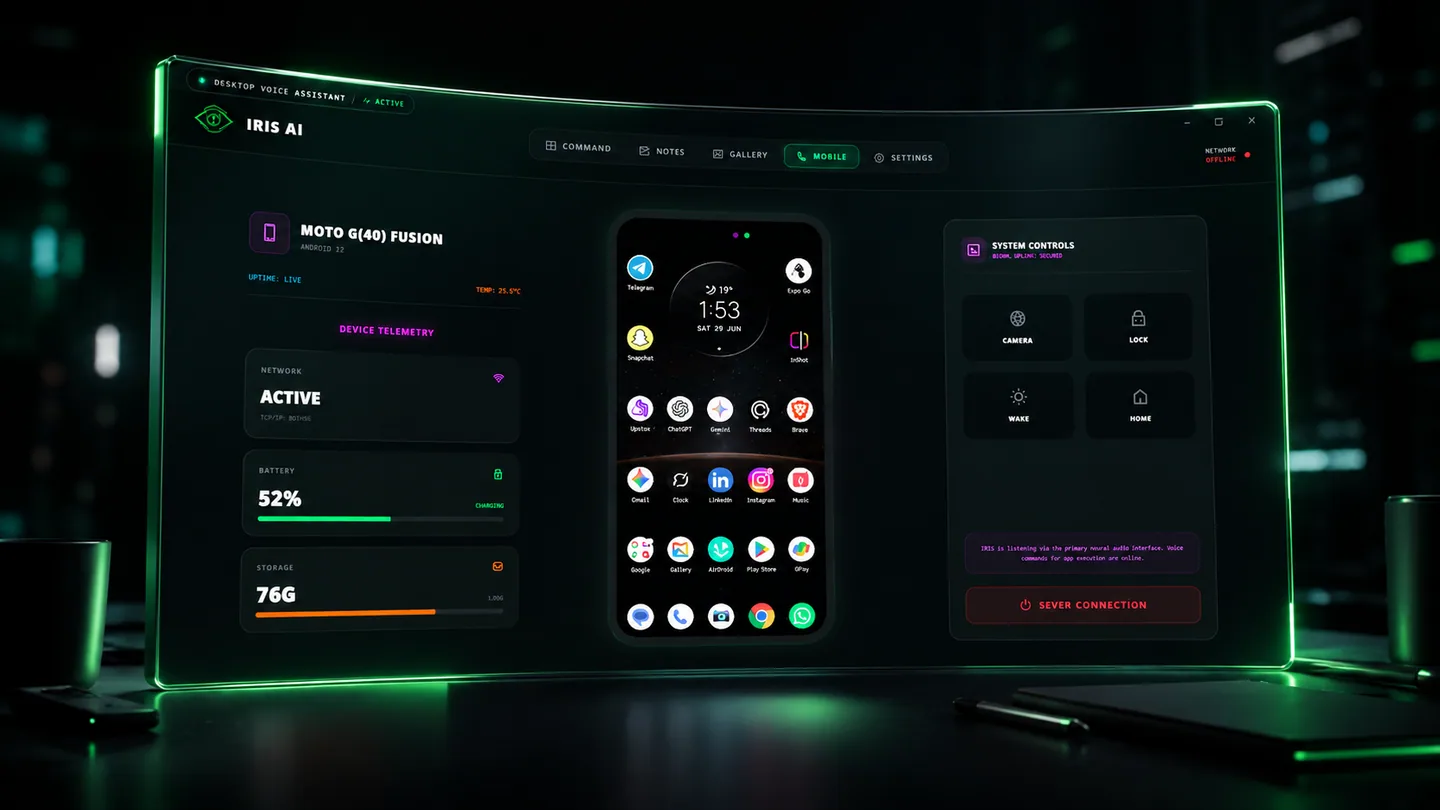
Android permissions and connected apps apply.
Keep the work in front of you. Your personal assistant is there when it’s time for the next question or the next action.
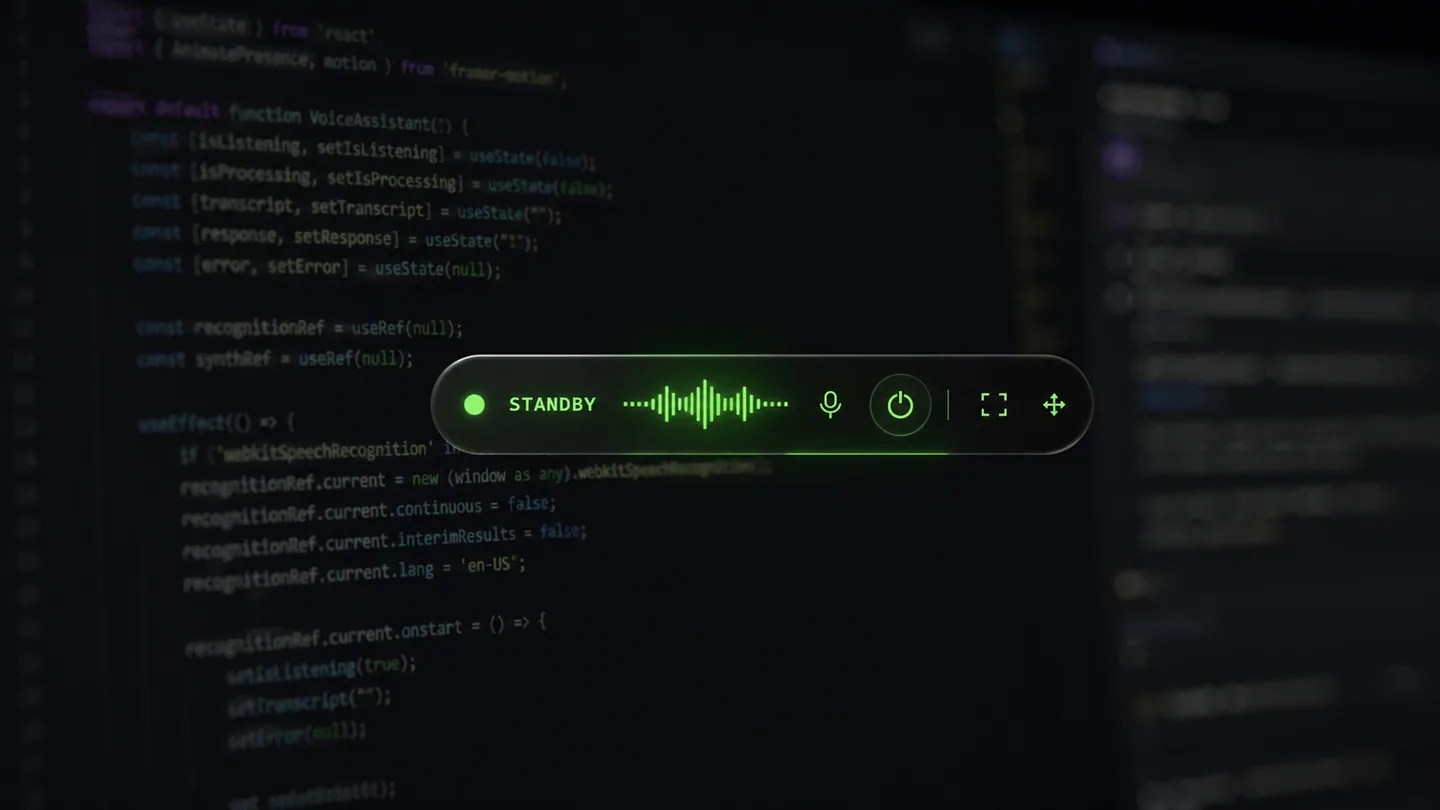
Keep your flow.
Explore a visual idea or develop a new direction. Move from a starting thought to something you can build on.
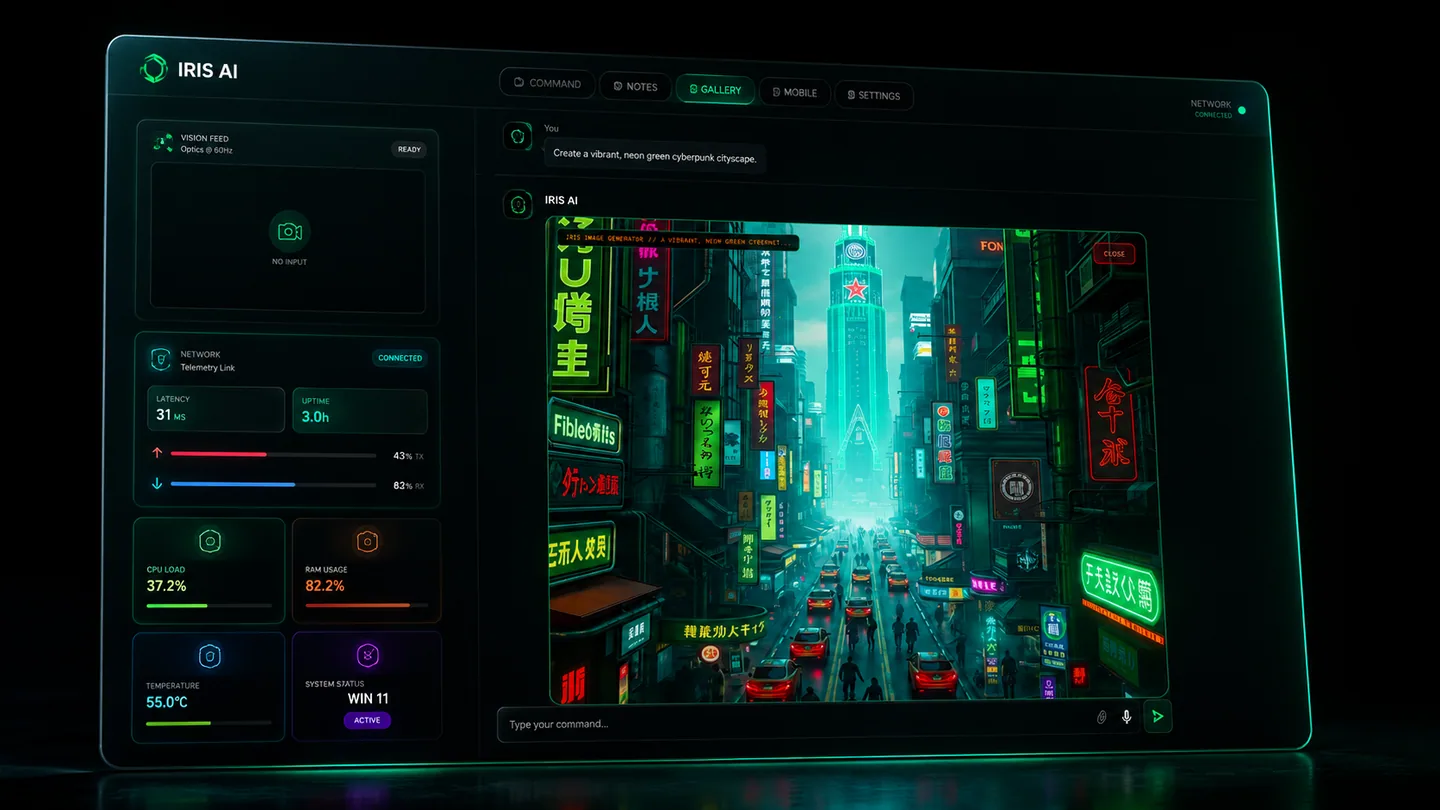
Creative tools, in the conversation.
Start with a conversation. Bring your tools, your files and the work ahead into one clear workspace.
Write a document, create a project file or organise a folder. IRIS AI v1 turns a request into work on your computer.
Plan the meeting, manage your schedule and get ready for the conversation. Connected calendar tools keep the next step in view.
Open the apps you need and keep your attention on the task. Voice control brings everyday actions a little closer.
Open apps, ask a question or handle a message by voice. Meet IRIS-MX, built around the way you use your phone.
Keep the work in front of you. Your personal assistant is there when it’s time for the next question or the next action.
Explore a visual idea or develop a new direction. Move from a starting thought to something you can build on.
Create a brief, write a note or organise your project folder. IRIS AI v1 works with your local files so the idea becomes something you can use.
See desktop workflows Scroll to put it in motionYour next idea starts here.
Schedule and reschedule meetings with connected desktop calendar tools. On mobile, check your day and keep the conversation moving. Your permissions and connected accounts define what’s available.
Explore everyday assistance Scroll to put it in motionYour next idea, moving forward.
Google Calendar · Connected account requiredBring your notes. Keep the thought.
Your brief, your next steps and a clear place to begin.
Explore a question, develop a visual idea or bring useful information together. Give your curiosity a place to go, with IRIS beside you.
Explore creative tools Scroll to put it in motionMeet IRIS-MX for Android. Everyday assistance, voice conversations and your next question, without having to get back to your desk.
Meet IRIS-MX Scroll to put it in motion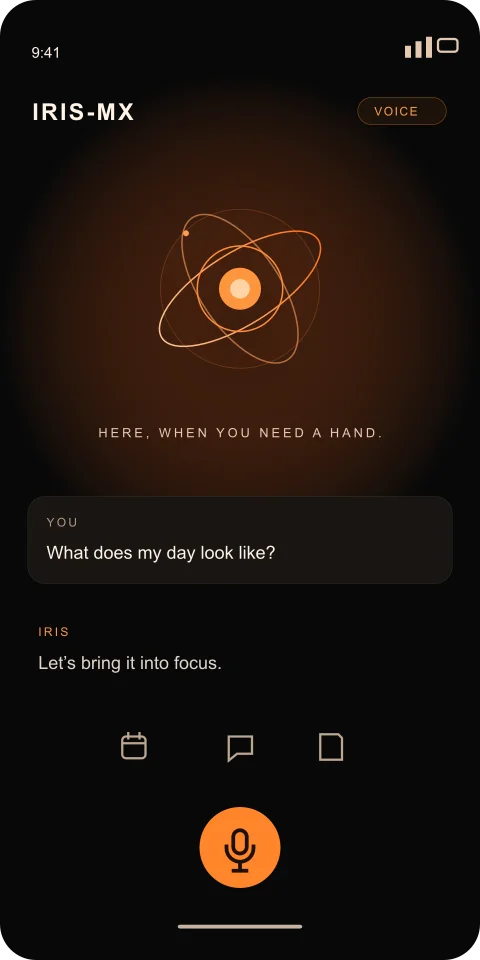
Your next question is a conversation away.
Bring IRIS to more devices with lifetime bulk purchases. Start with 10 device seats on your purchasing account and explore volume pricing for your team.
Explore bulk purchases Scroll to put it in motionMore devices. The same starting point.
From your first payment to your next device, the important details belong in one place.
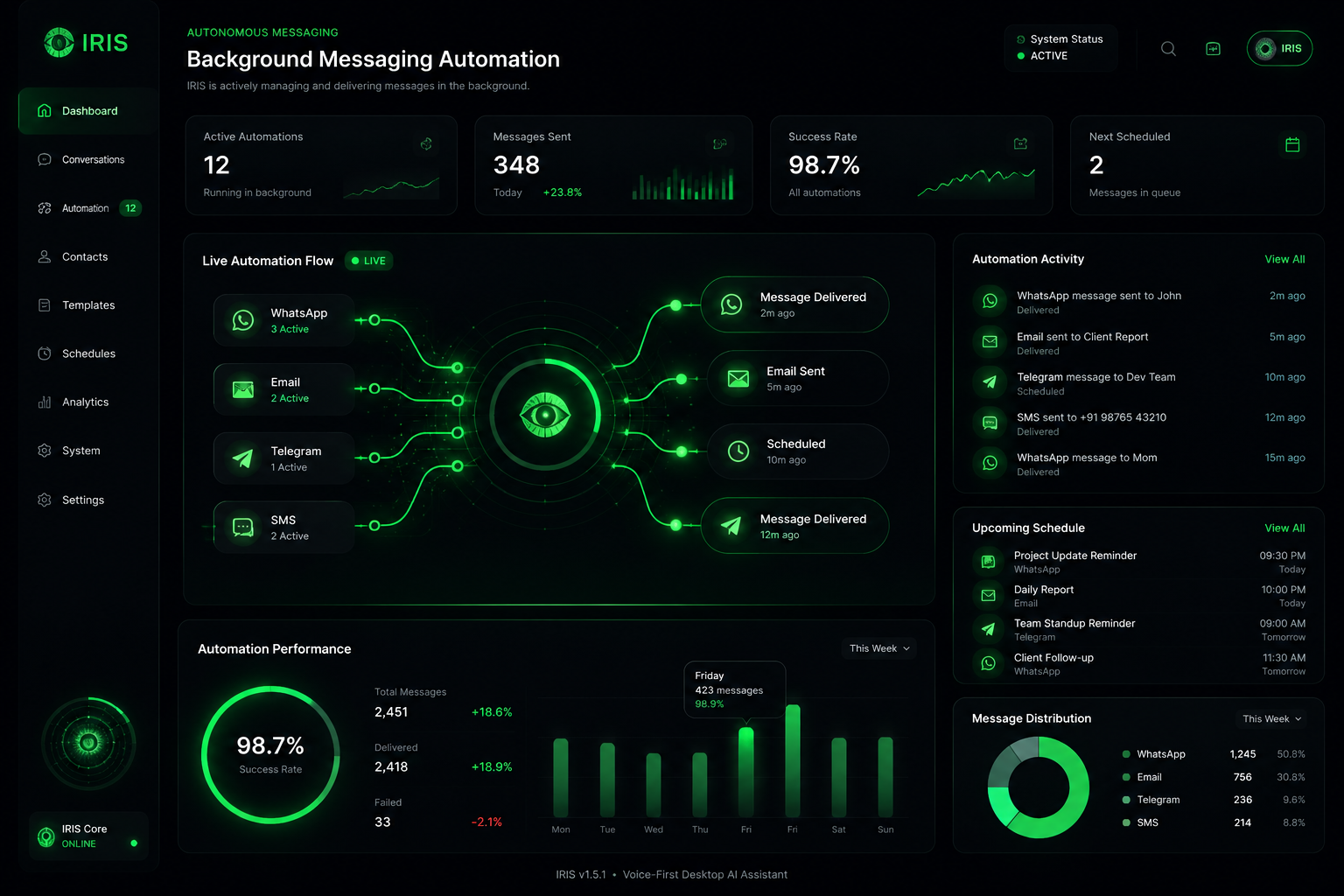
Your account dashboardSeparate desktop and mobile access, registered devices and clear capacity for your account.
The software price, platform fee and any verified credit are shown before you pay.
See your paid period, stop monthly renewal or choose lifetime from your dashboard.
On your computer. In your pocket.
Or wherever the day takes you.
Diwali offer · One payment. Lifetime access.
Lifetime device seats for your purchasing account. Start with 10, scale up to 1,000, and work with sales for larger orders.
Desktop, mobile or both. Review the current plan, device seats and total.
Find your planPurchase with your IRIS account. Your dashboard shows access after payment verification.
Open your dashboardDownload the official app, accept the software policies and sign in to the same account.
Follow the setup guide